

Will Cooke
40 posts

Running Ubuntu as a virtual machine continues to be a popular way to use the desktop. Back in September 2018 we announced the availability of optimised 18.04 LTS desktop images for Microsoft’s Hyper-V gallery bring a host of benefits including: Improved clipboard integration Dynamic desktop resizing Shared folders for easy host/guest file
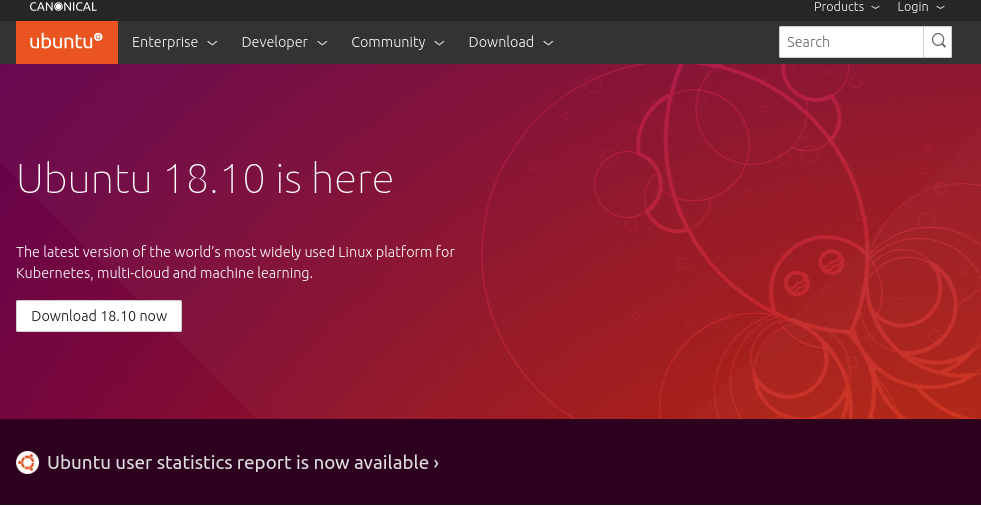
The Cosmic Cuttlefish has arrived. Ubuntu 18.10 is out and represents the first step on the road to the next LTS in April 2020. This release of Ubuntu comes with 9 months of support and brings the latest update to the GNOME stack, improvements to the snap experience on the desktop, some new features and
Today we’re very pleased to announce that an optimised Ubuntu Desktop image is available from the Hyper-V gallery. This will give an optimum experience when running Ubuntu Desktop as a guest on a Windows 10 Pro desktop host. From the Ubuntu Report data we know that a lot of people are using Ubuntu as a

Last week the NCSC (National Cyber Security Centre) in the UK issued their latest publication which gives advice on how to configure Ubuntu 18.04 LTS in accordance with their security best practices. The National Cyber Security Centre (NCSC)is the UK government department responsible for providing guidance on Information Security to the U

Today sees the first point release of Ubuntu 18.04 LTS, conveniently named 18.04.1 LTS. Point releases for an LTS include a roll-up of all bug fixes and security updates which have been pushed out since the original 18.04 LTS ISO was published in April. If you’re already running 18.04 LTS, and you have been updating
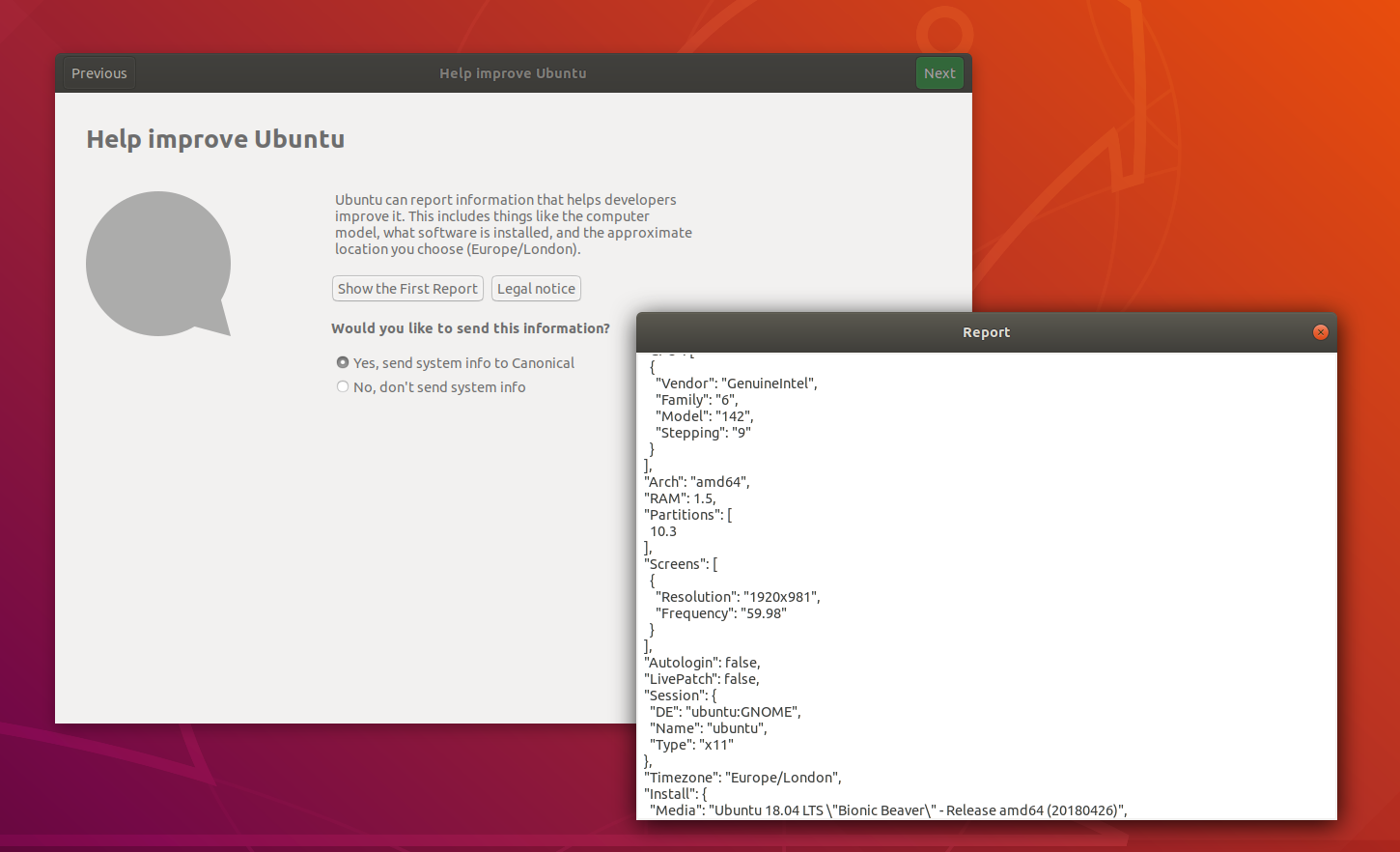
We first announced our intention to ask users to provide basic, not-personally-identifiable system data back in February. Since then we have built the Ubuntu Report tool and integrated it in to the Ubuntu 18.04 LTS initial setup tool. You can see an example of the data being collected on the Ubuntu Report Github page. At first

A couple of weeks ago representatives from across Canonical met in London to talk about ideas to improve the user experience of GNOME Software. We had people from the store team, snap advocacy, snapd, design and from the desktop team. We were also fortunate enough to be joined by Richard Hughes representing upstream GNOME
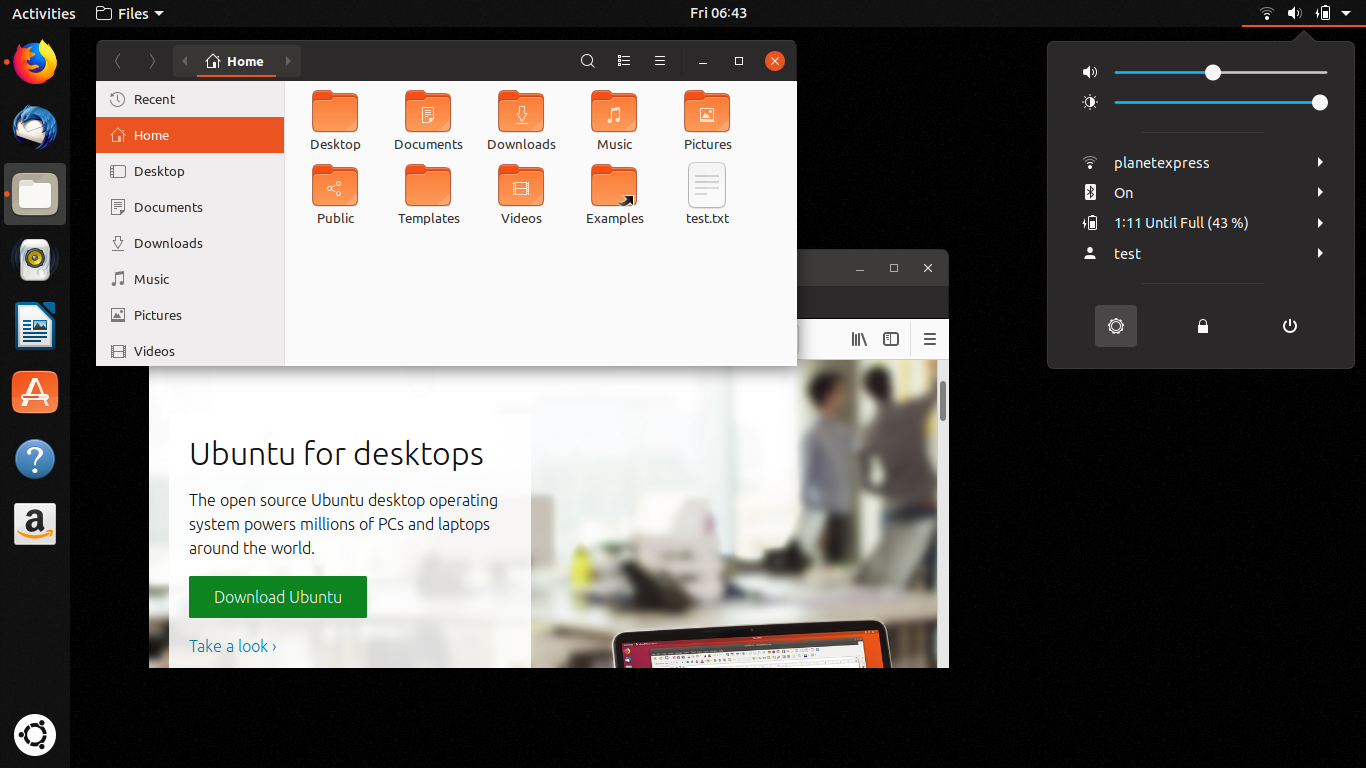
Bionic is out the door and we’ve started the Cosmic cycle so I wanted to take this opportunity to tell you about our plans for this cycle, the sorts of features we want to work on and what you can expect from 18.10 when it arrives in October. Updates to 18.04 LTS We’ve set aside

The Bionic Beaver, Ubuntu 18.04 LTS is here! It’s been a busy six months for the desktop team, and indeed for everyone working on Ubuntu. We’ve been working on making sure that your upgrade from previous releases is smooth and trouble free, tracking down bugs to make 18.04 LTS stable and reliable, and adding some
The Bionic Beaver, Ubuntu 18.04 LTS is here! It’s been a busy six months for the desktop team, and indeed for everyone working on Ubuntu. We’ve been working on making sure that your upgrade from previous releases is smooth and trouble free, tracking down bugs to make 18.04 LTS stable and reliable, and adding some
Wow, only two weeks to go until the Beaver is born, this cycle seems have flown by. So what’s been going on in the last couple of weeks, and what can we expect to change in the run up to release day? We’re still working on adding a new first-login experience to guide people through

Bid “bonjour” to our Bionic Beaver! Along with a sneak preview of our official Bionic mascot, it’s a short update this week as we’re all heads-down in bug fixing mode. There are a couple of links to check out if you’re interested in what sort of data we want to collect about hardware and setup,
We’ve had a busy few weeks, and so this email is a roll up of what’s been going on in Desktopland. Last week we had a team sprint in Budapest where we got to work side by side with our teammates and colleagues across Canonical. Feature Freeze has now passed and we’re working on fixing
GNOME We’ve been working on a GNOME Online Accounts plugin for Ubuntu One. This will allow you to manage your U1 credentials and share them with services which need them, for example Canonical LivePatch. A MR is being proposed upstream. A bug has been fixed which caused some high contrast icons to be missing in
Here’s the round up from this week: GNOME The default session has now been switched back to use Xorg by default. Wayland is still installed and can be selected from the login screen. GNOME 3.27 has entered Freeze in preparation for the 3.28 release scheduled for March. We’ve landed some changes to udisks2 and GNOME
GNOME As you might have already read, we’ve taken the decision to ship Xorg by default in Bionic 18.04 LTS. The Wayland session will still be available as an option at login. You can read more about that here. The Ubuntu Dock extension has been rebased on the latest upstream master and we’ve added some